Payment for FreshFlow can only be made online by payment card. We accept both credit payment cards and debit payment cards.
The amount depends on the number of purchased user licenses, always for the purchased period (year or month). The price of a user license is set at CZK 290 excluding VAT per month, or CZK 2,900 excluding VAT per year.
In the payment gateway (Stripe), you enter your payment details. Depending on your selected billing period, Stripe will then debit the corresponding amount from your account every month (or year) according to the purchased user licenses.
If you cancel your subscription, the amounts will automatically stop being debited from your account.
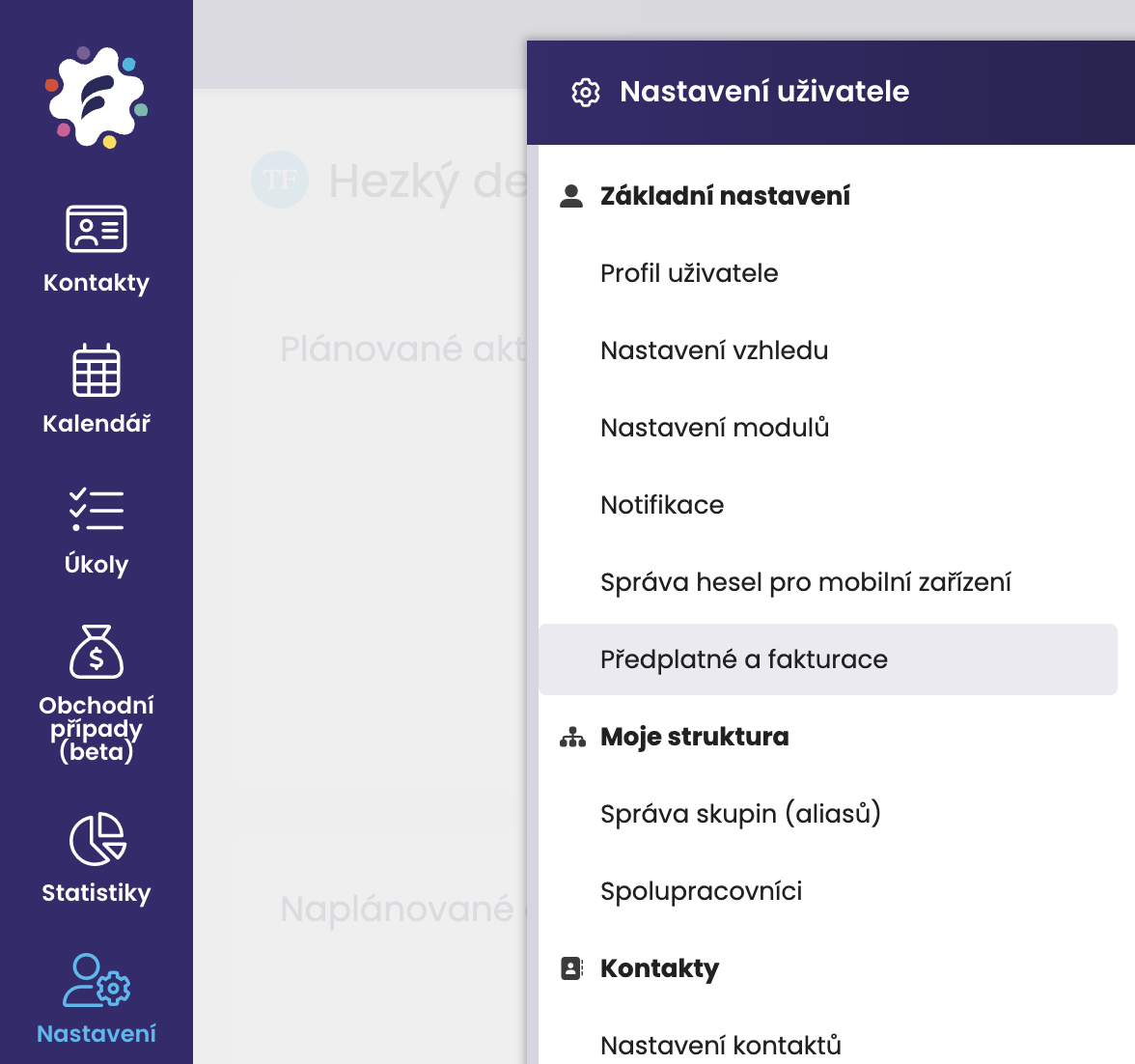
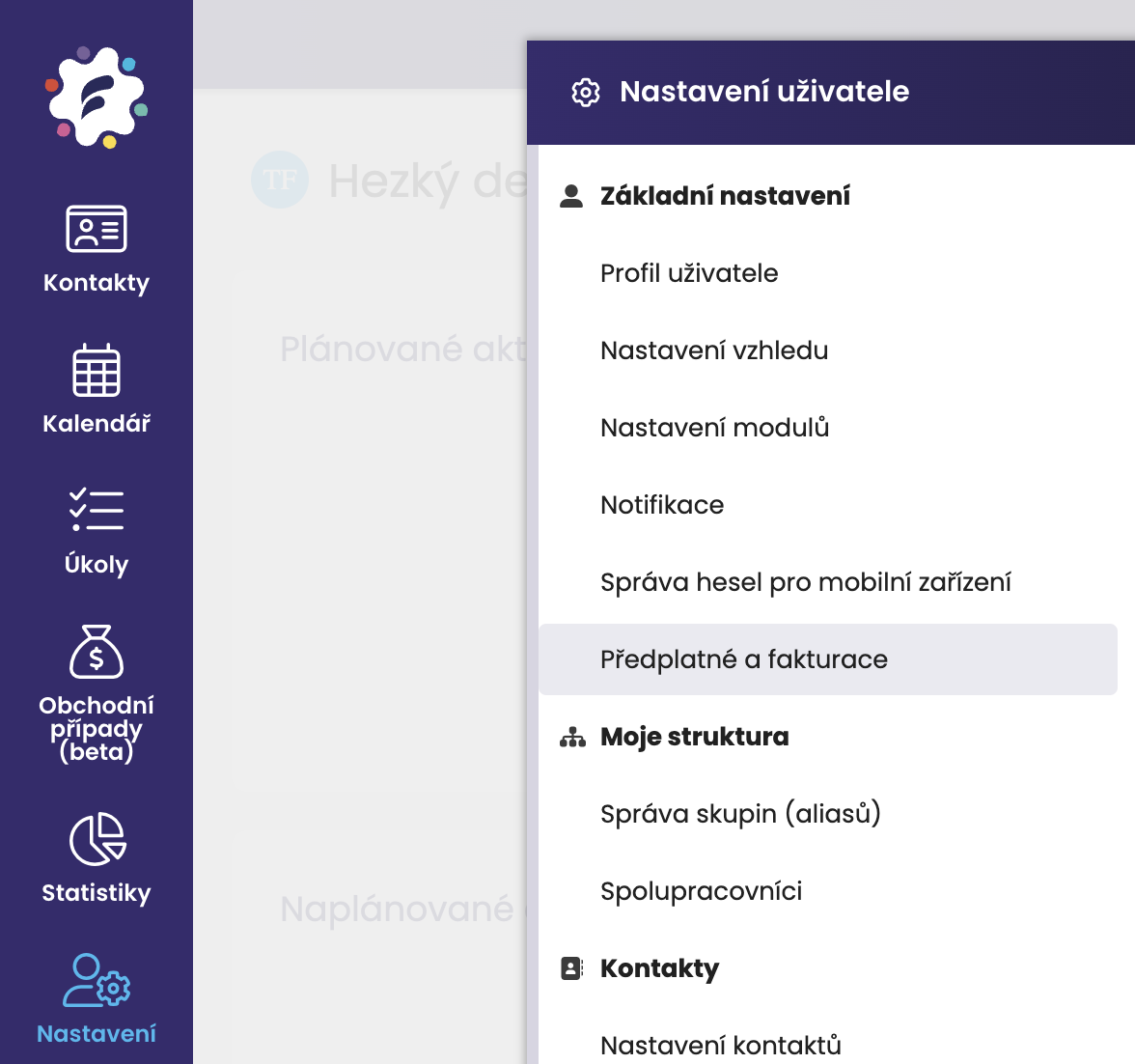
Go to Settings, where you click on the Subscription and invoicing section.
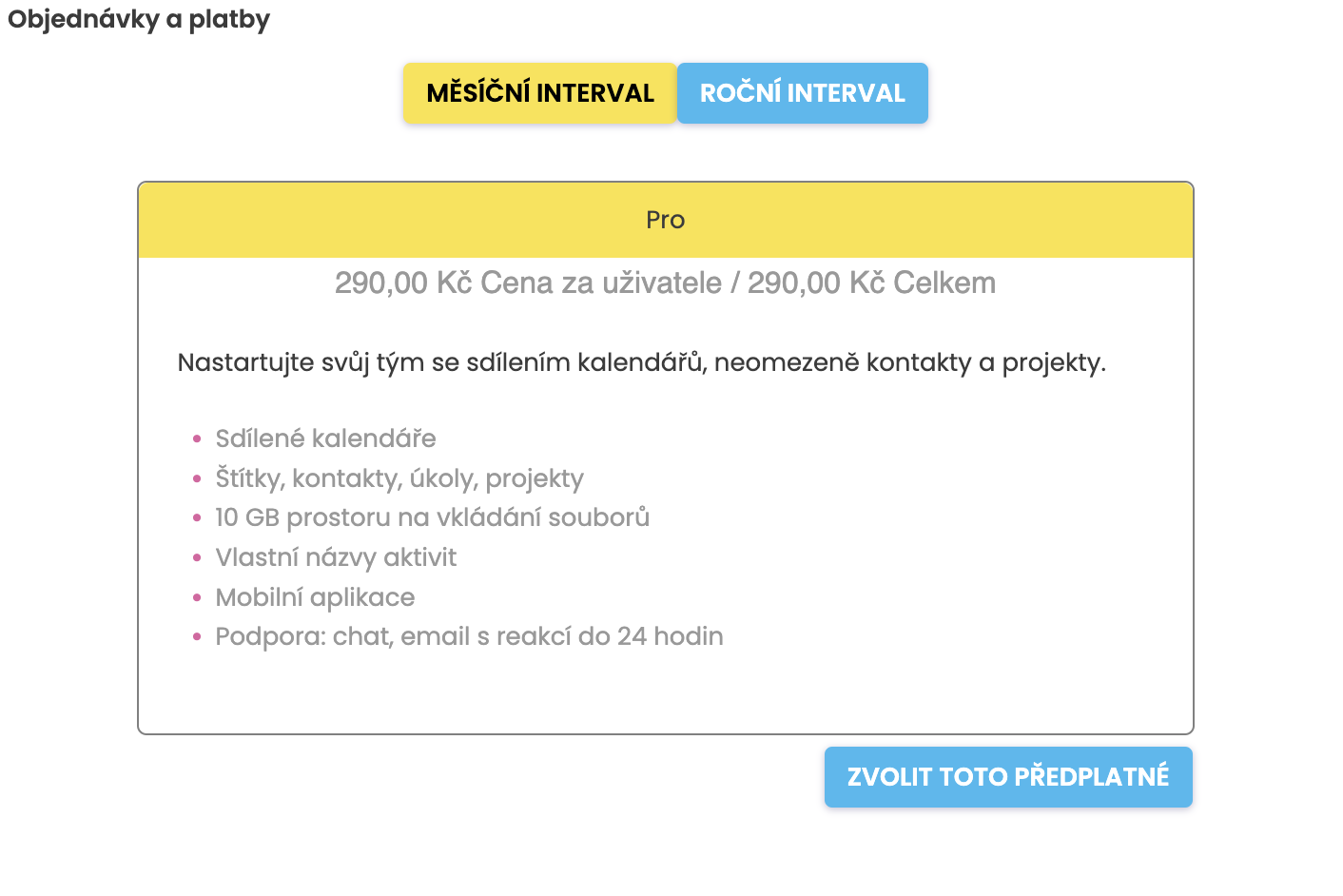
First, select the payment interval you are interested in -> either a monthly interval with a payment of 290 CZK per month, or an annual interval with a payment of 2900 CZK per year.
After clicking, you will then be redirected to Stripe to enter your payment details:
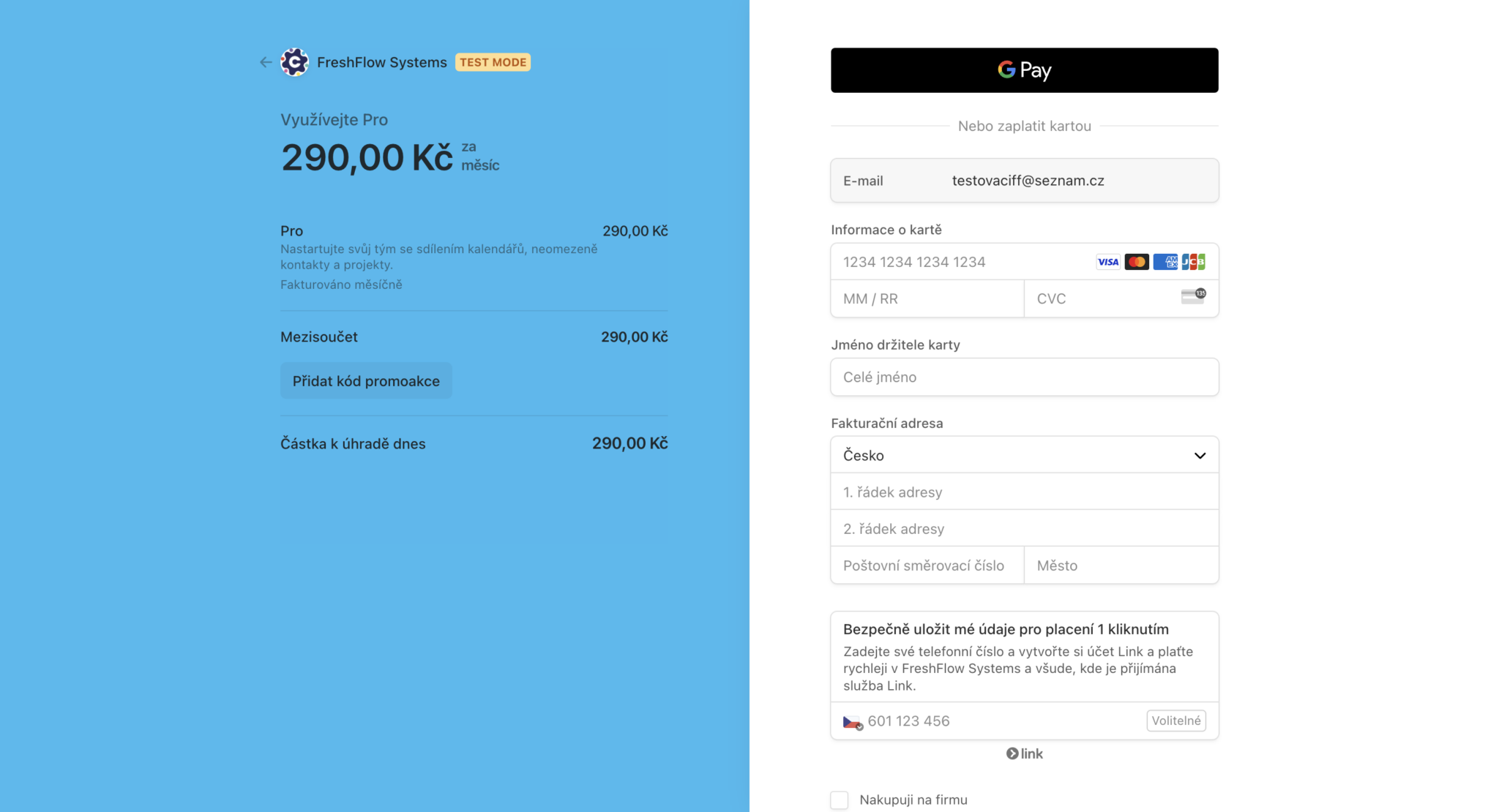
Enter the number of the payment card you wish to use for the payment for FreshFlow. At the same time, enter the expiry date of your card.
Then, from the back side of the payment card, enter the CVC/CVV.

And finally, the full name stated on your card.
Subsequently, you can also add your billing details.
You can cancel the subscription easily in Settings -> Subscription and Billing -> Manage Subscription button.
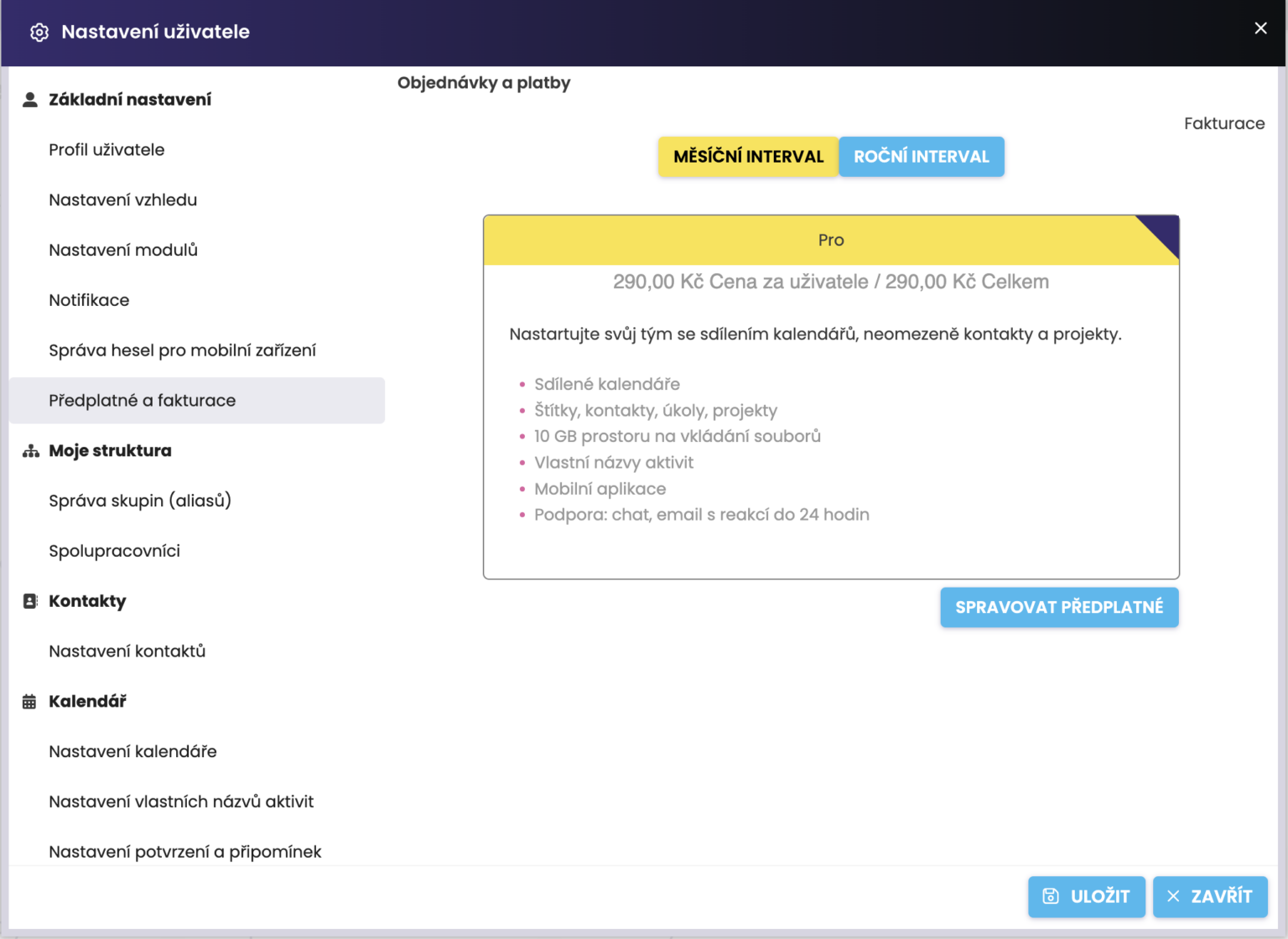
You will be redirected to Stripe, where you only need to click Cancel Subscription.
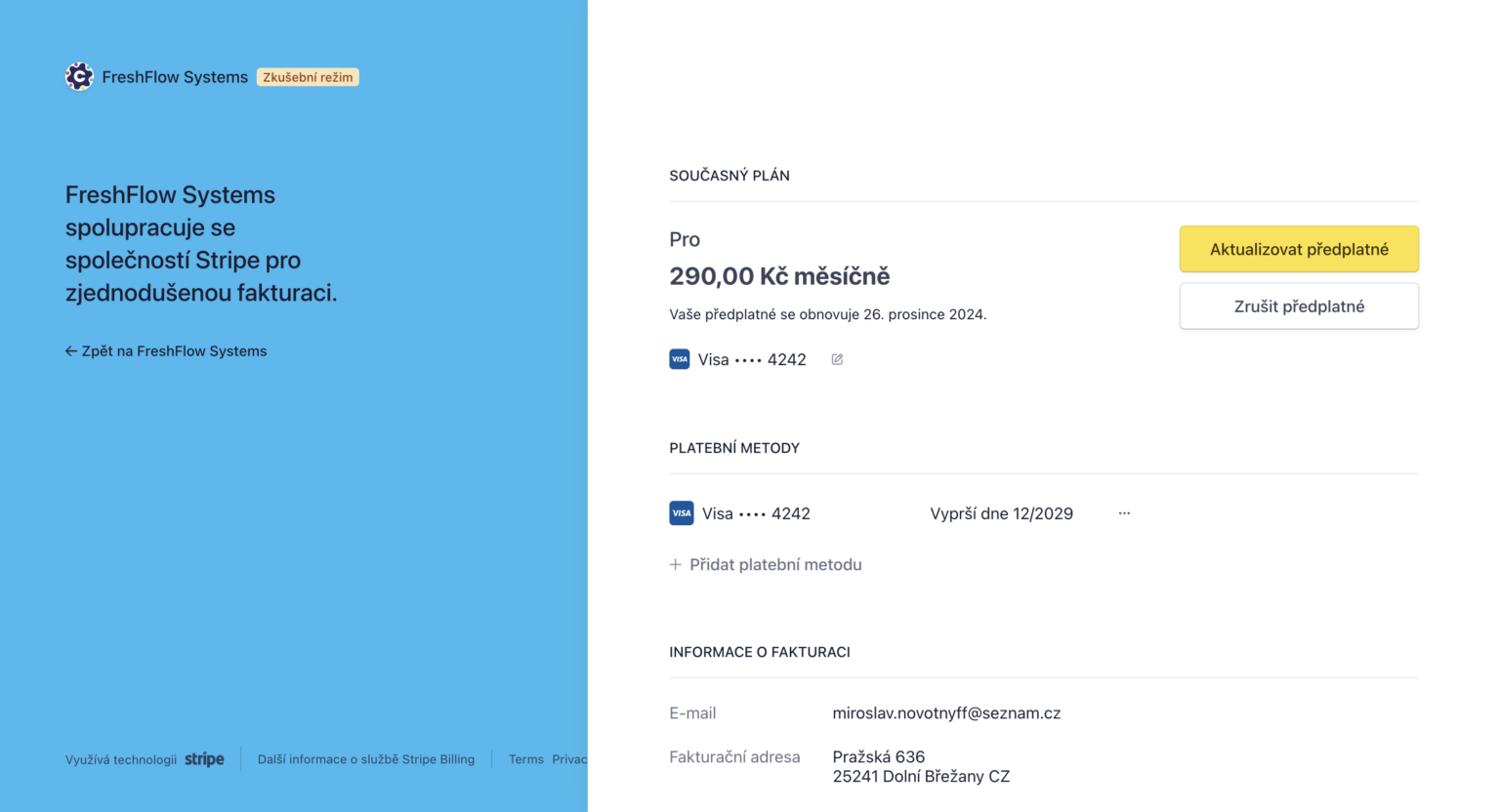
After the paid period expires, you will lose access to FreshFlow. Your data will be automatically and permanently deleted 60 calendar days after the subscription expires. During this period, however, you will still be able to return to your data.
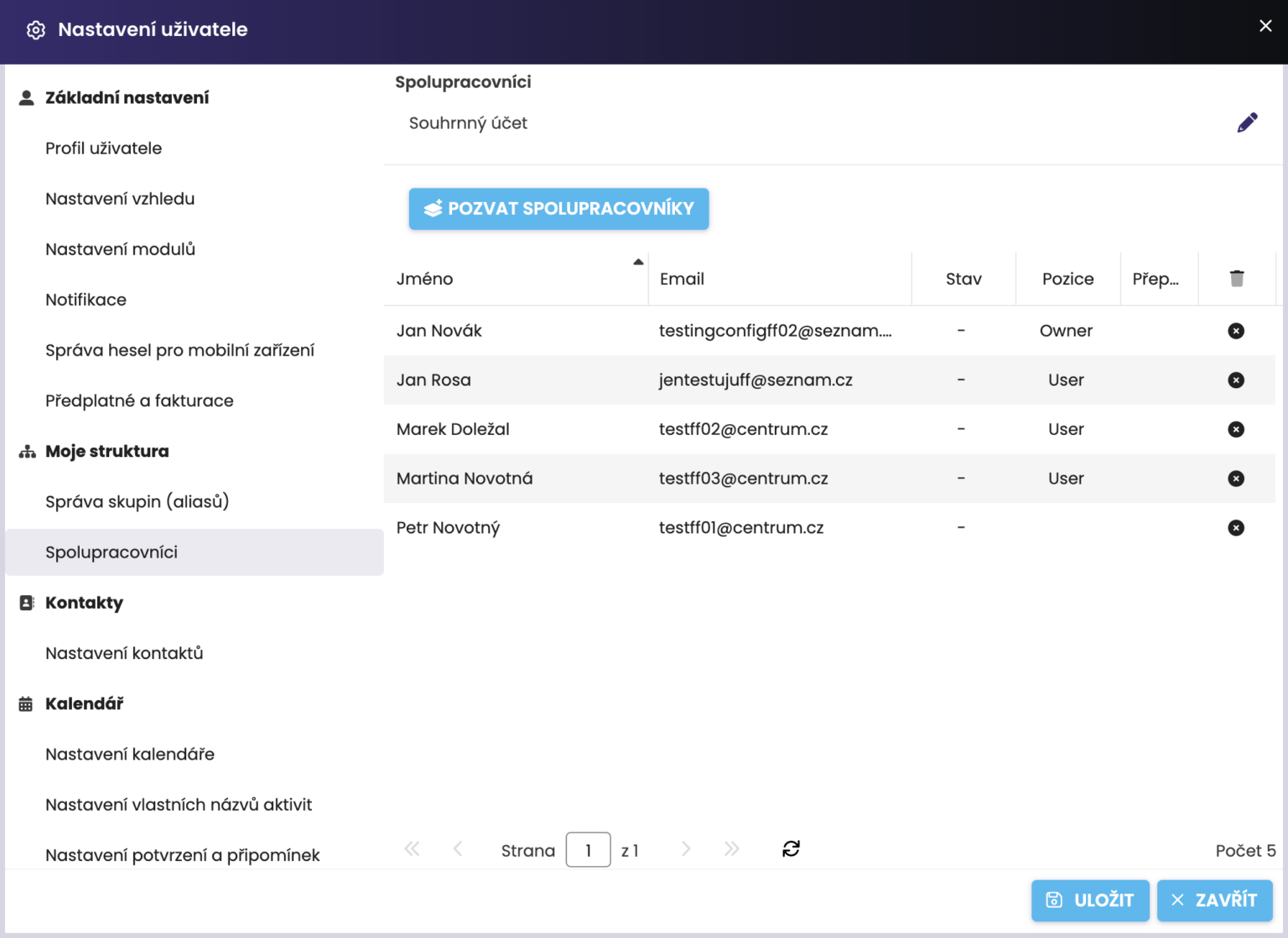
If you no longer wish to continue paying FreshFlow for some users you have in your team, you need to go to Settings -> Collaborators.
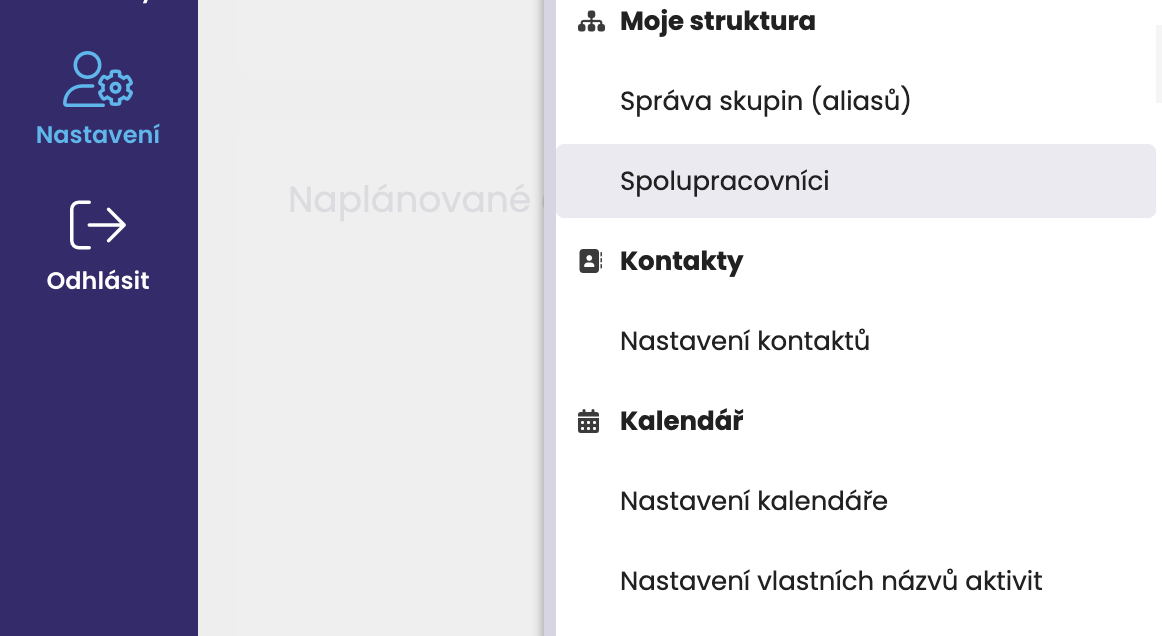
Then click on the cross and remove the given user from the structure. The invoiced amount will change automatically.