
Documents attached to a task
In FreshFlow you can attach a document (file) to a task – for example in docx, xls, pdf, jpg, png, video and other formats. You can download the uploaded documents to your computer or delete them. The maximum size for one uploaded file is 10 MB. You can upload any number of documents.
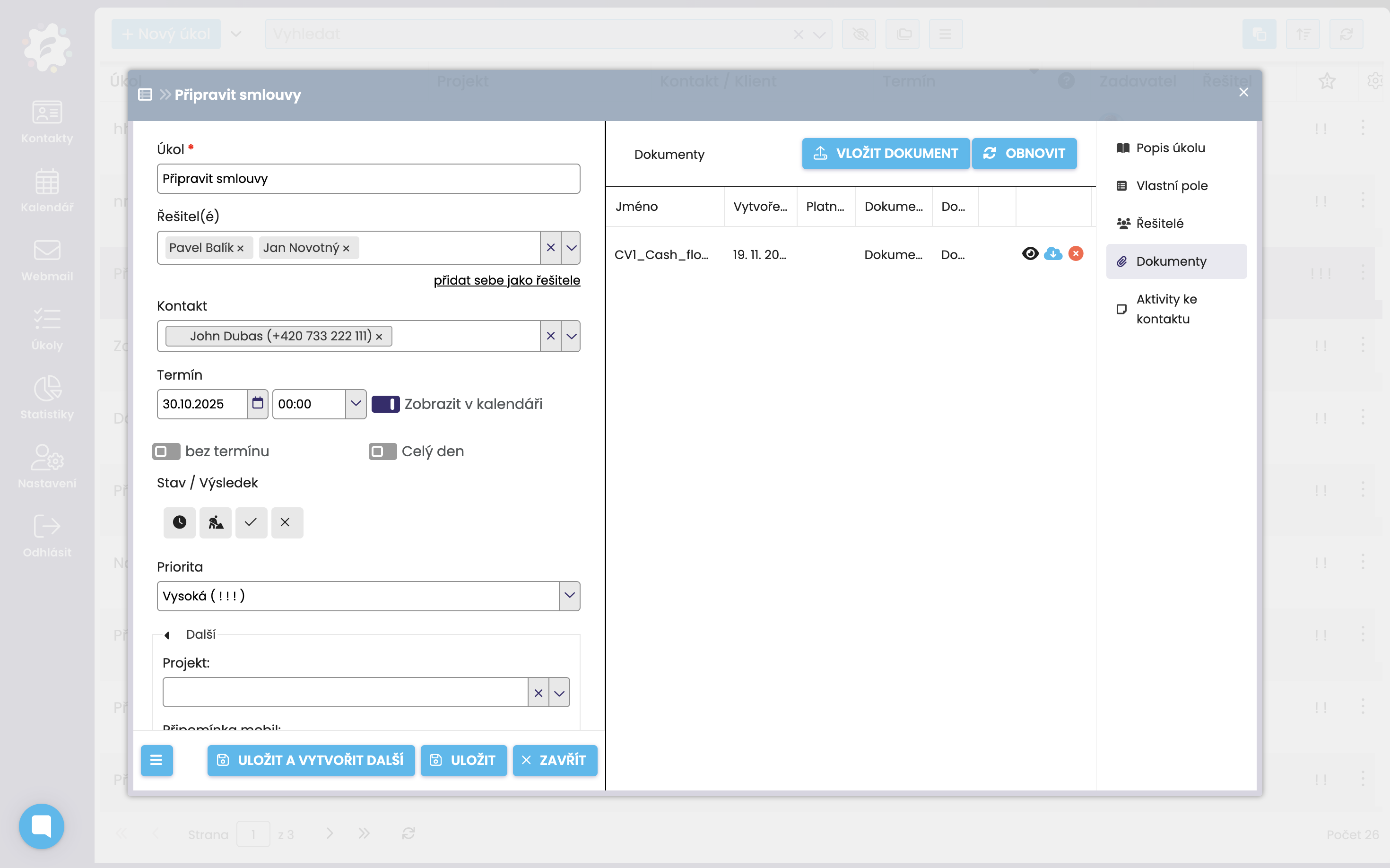
Uploading a document to a task
In the task card, click “Documents” in the menu on the right.
When you click Add document, a “Document” dialog will appear—select the file you want to upload and its name will be displayed. To upload, click Save. Once it’s saved you’ll get a message; click OK and the document is uploaded.