
Documents in the contact card
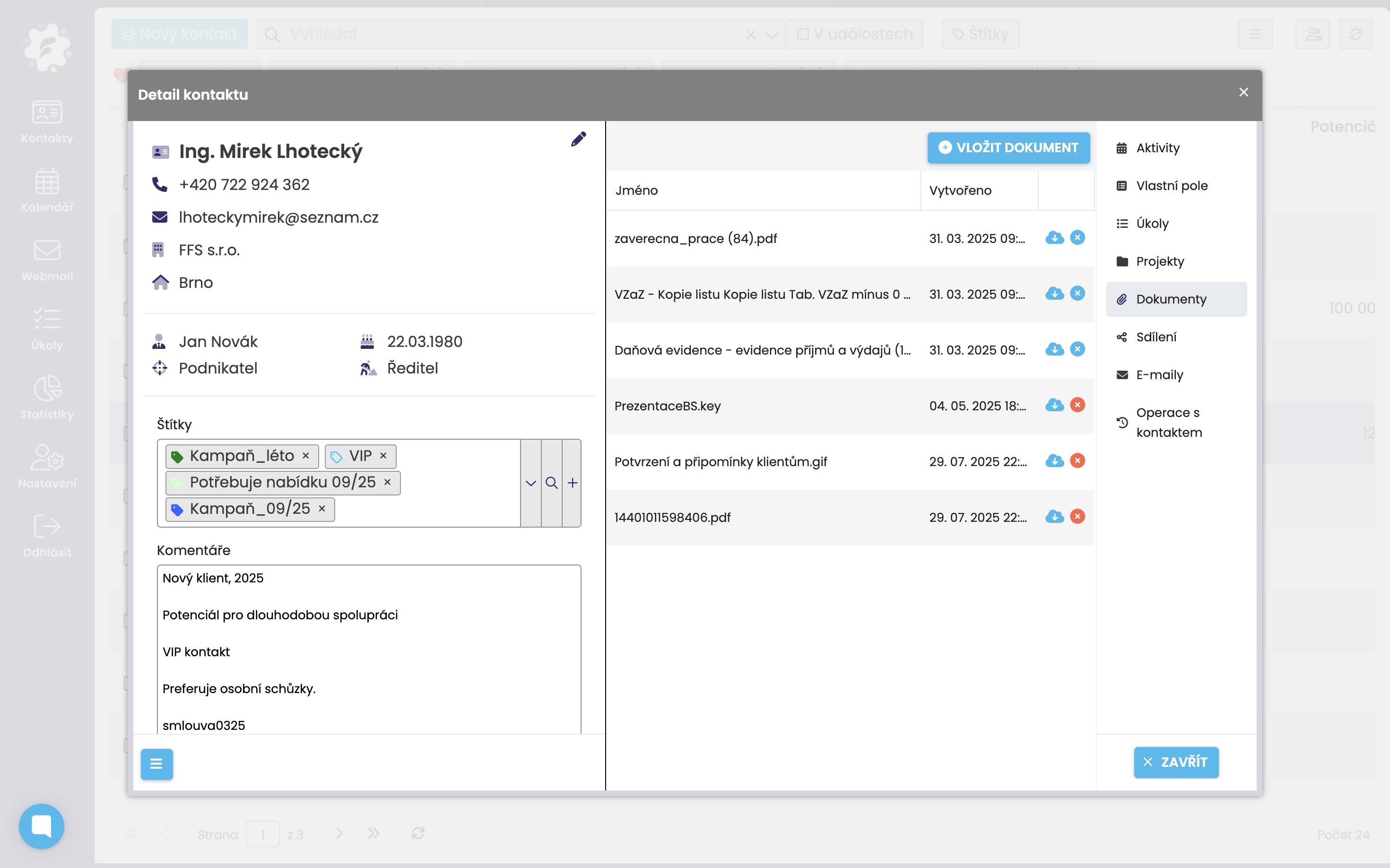
In FreshFlow, you can add a document (file) to the contact card – for example, in docx, xls, pdf, jpg, png, video, and other formats. You can download the uploaded documents to your computer or delete them. The maximum size for one attached file is 10 MB. You can add any number of documents.
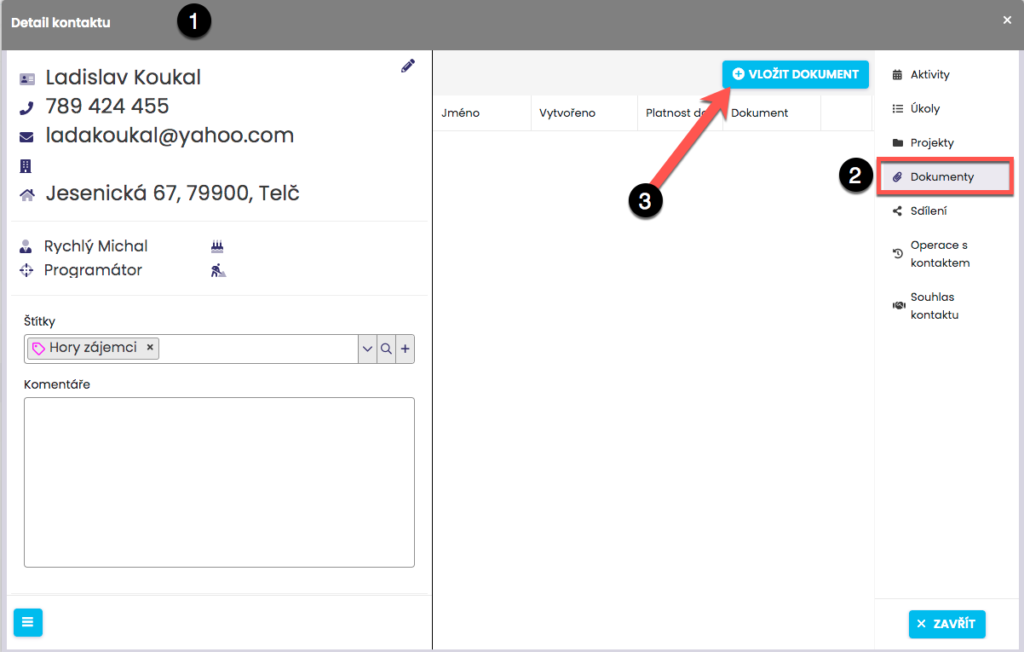
Adding a document to a contact
In the Contacts module, open the card of the chosen contact (1) and in the Documents tab (2), add a document (file) by clicking on “Add document” (3).
After that, a window will pop up showing the documents on your computer, and you can pick which document you want to upload.

When you share/loan a contact, the documents will be shared/loaned too.
When you transfer a contact, the documents will be transferred too.
When you delete a contact, the documents will also be (irreversibly) deleted.
When you transfer a contact, the documents will be transferred too.
When you delete a contact, the documents will also be (irreversibly) deleted.