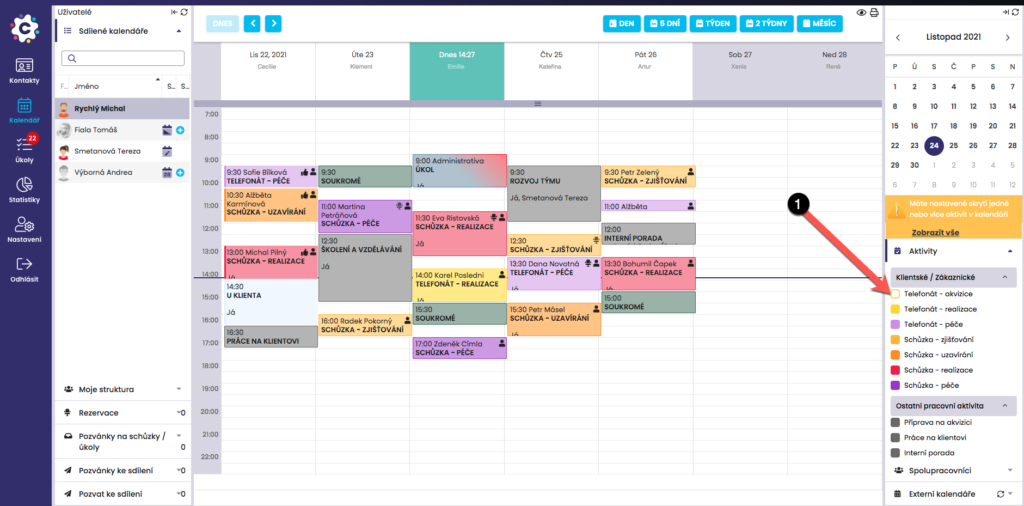
In the Calendar module, you can hide activities. In the right-hand menu on the Activities tab, select the activity you wish to hide, for example Client phone call, and click on it. This will hide the selected activity in the calendar.
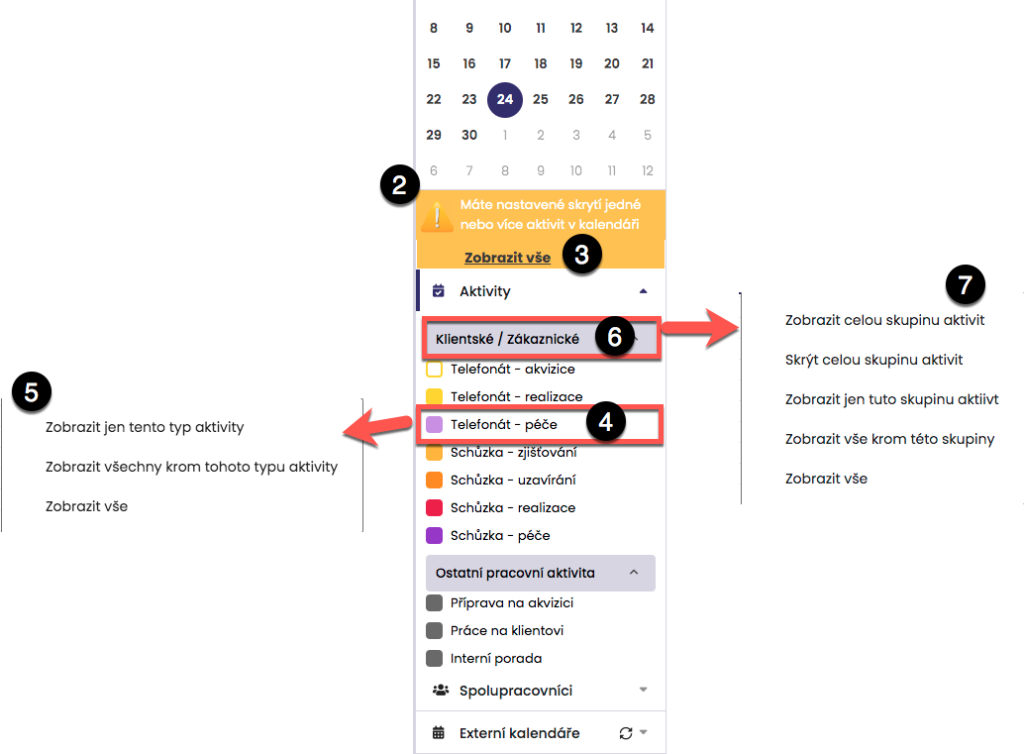
The activity icon changes color and you are informed about the hiding by a yellow notification. If necessary, by clicking again you can display the selected activity in the Calendar, or by clicking Show all (3) you can display all hidden activities.
By right-clicking the activity name, for example Business meeting, you will display a menu for bulk hiding/displaying activities. By right-clicking the group name, for example Client-related, you will display a menu for bulk hiding/displaying activities.