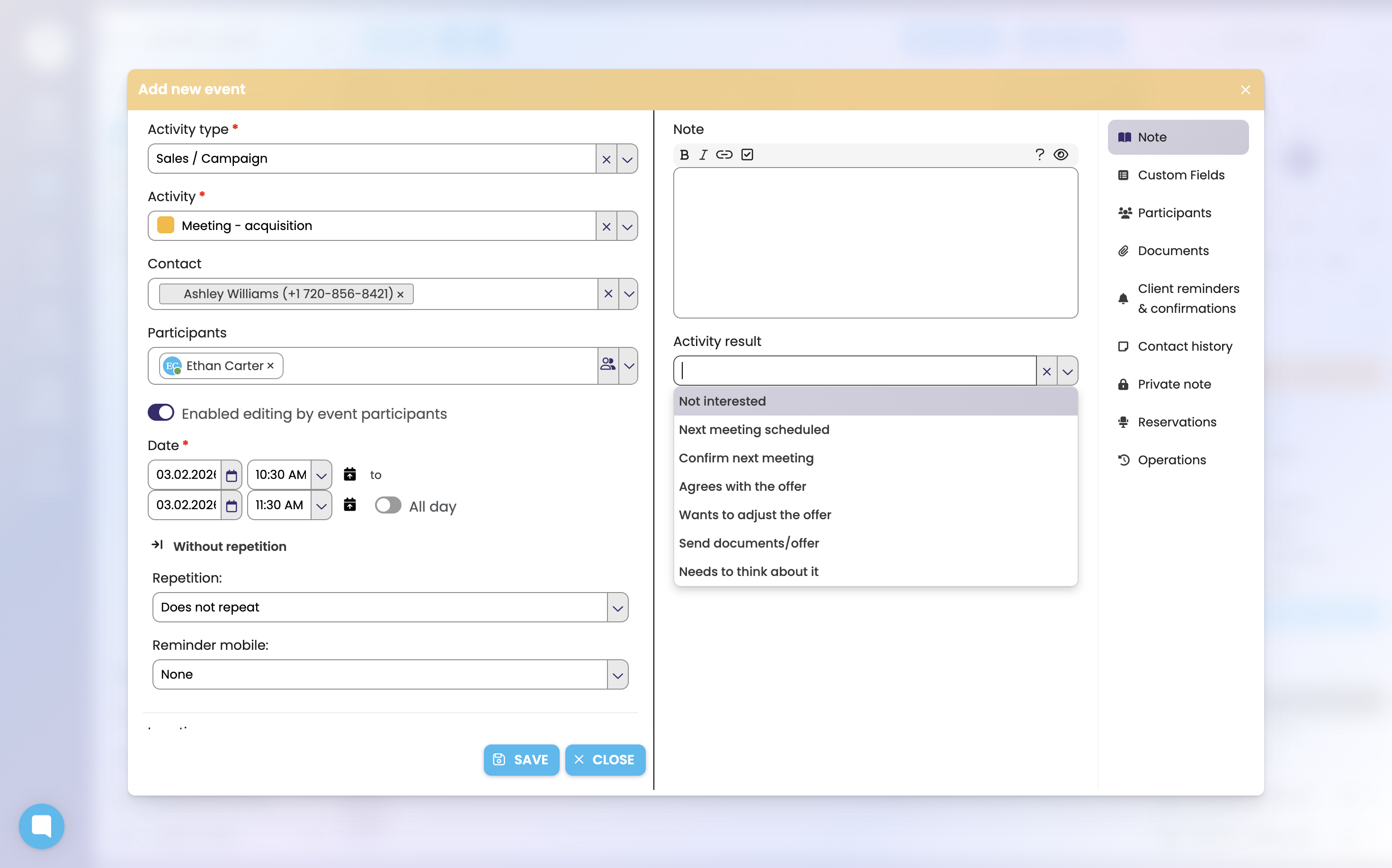
To enter the activity result, click on the relevant activity and select the corresponding Activity result.
By entering results, you have a clear overview of all past events, and at the same time, thanks to this, FreshFlow is able to generate valuable statistical data on the outcomes. You can then analyse this data for different periods – for example by individual people in the team or by client campaigns.
Last but not least, the Follow-up activity is based on the activity result Follow-up activity, which is linked with the current activity and is created for you immediately.

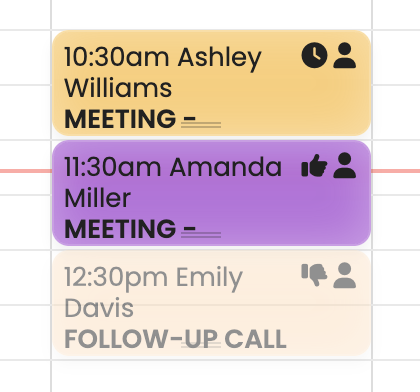
For activities where the user has not entered an activity result, the given activity lacks the relevant icon that is defined by the activity result. Once the result is entered, the relevant icon will always be displayed.