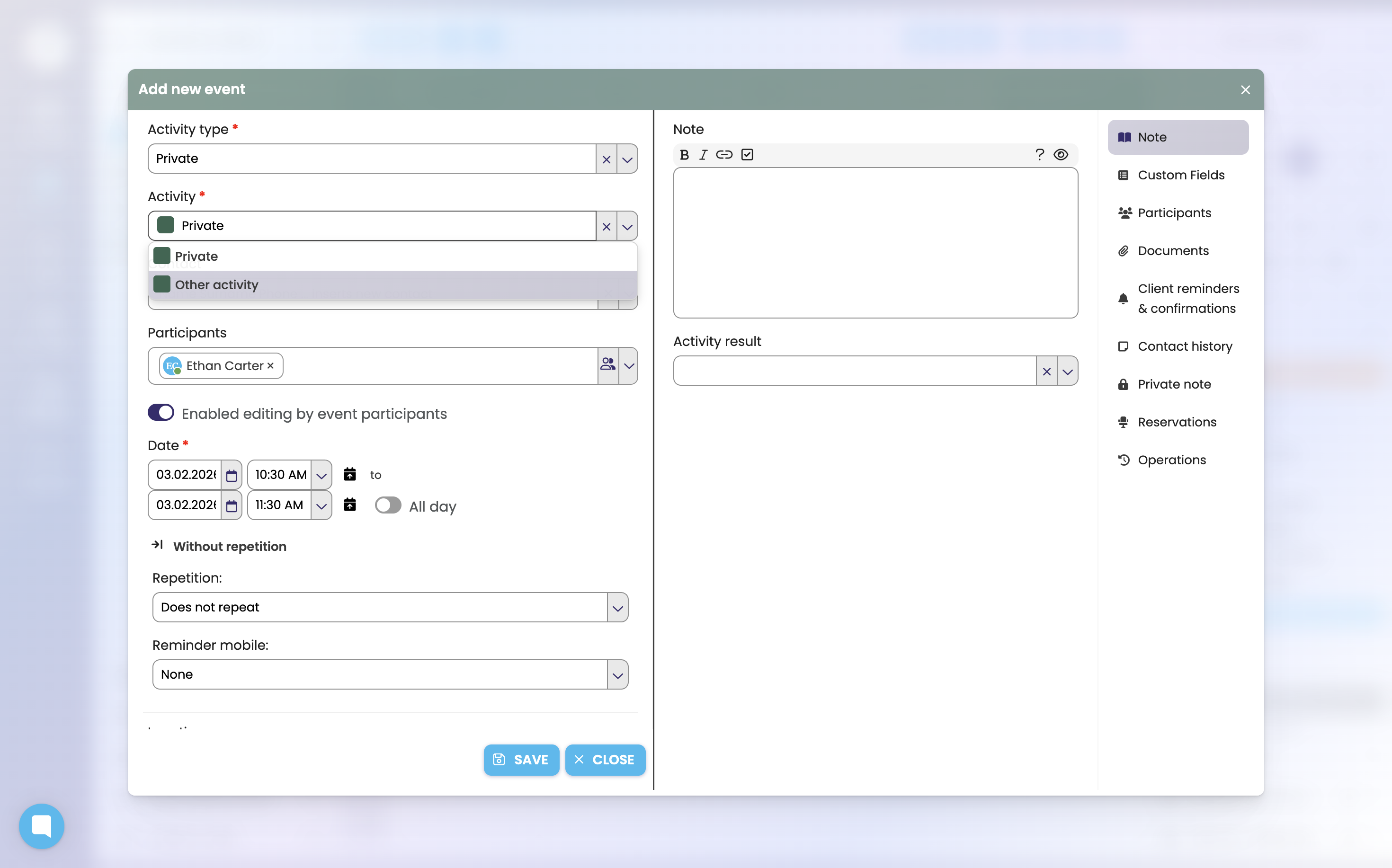
Type of Activity Personal
The type of activity Personal offers the options Other activity and Private. If you enter a Private activity, the details of these events are visible in the Calendar only to you, to no one else (not even to your manager). If you add additional Participants and check Allow invitees to edit the activity, the invited participants will then be able to edit the activity.
From activities of this type you also select the activity with which you want to display activities entered in an external calendar, e.g. Google Calendar.

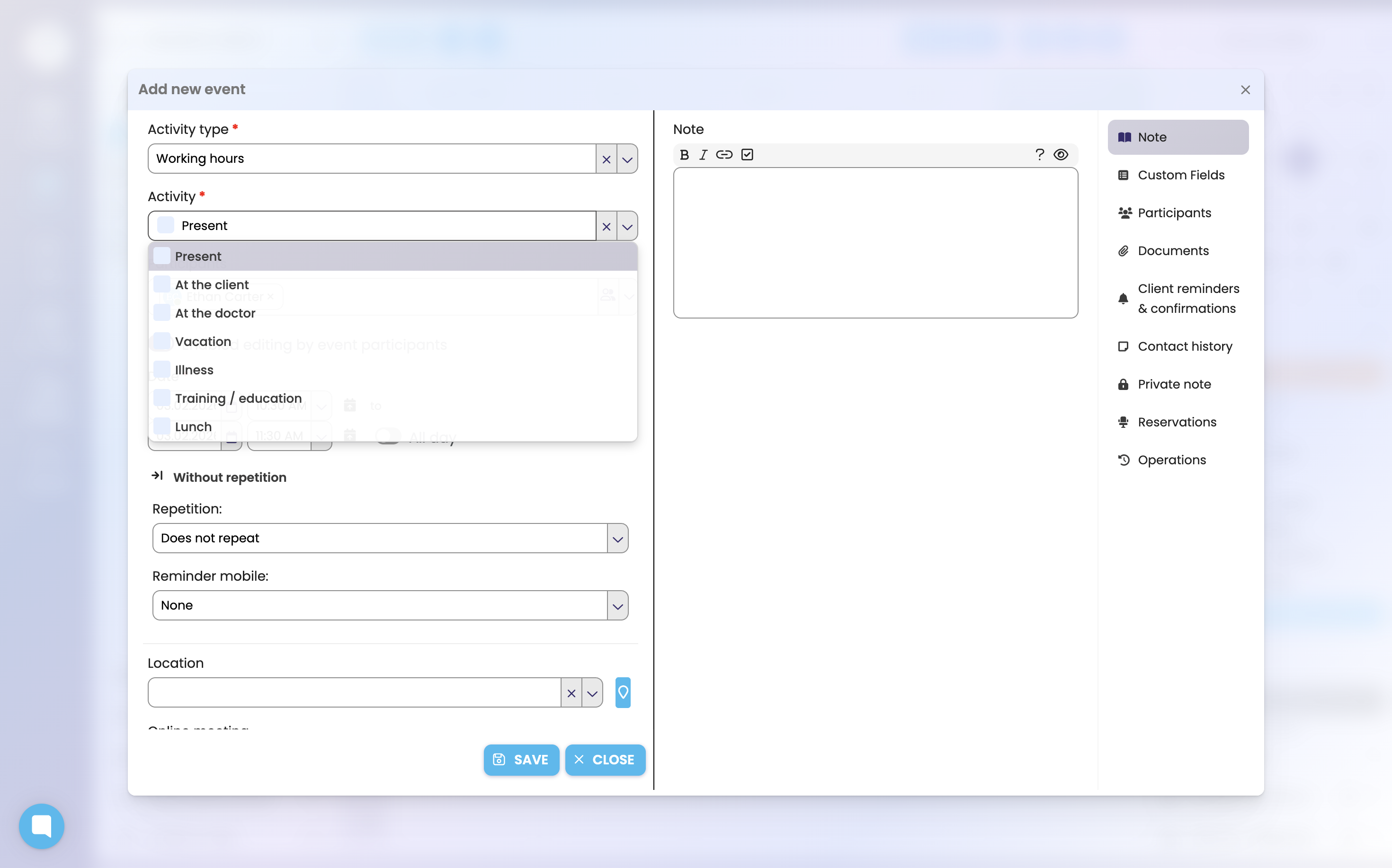
Type of Activity Working Hours
This type of activity is specific in that it can be used to define time in the calendar and to add other activities to this activity. The Working Hours activity is then displayed in the background. If you wish to edit the Working Hours activity, you must right-click it and select the option Edit details.