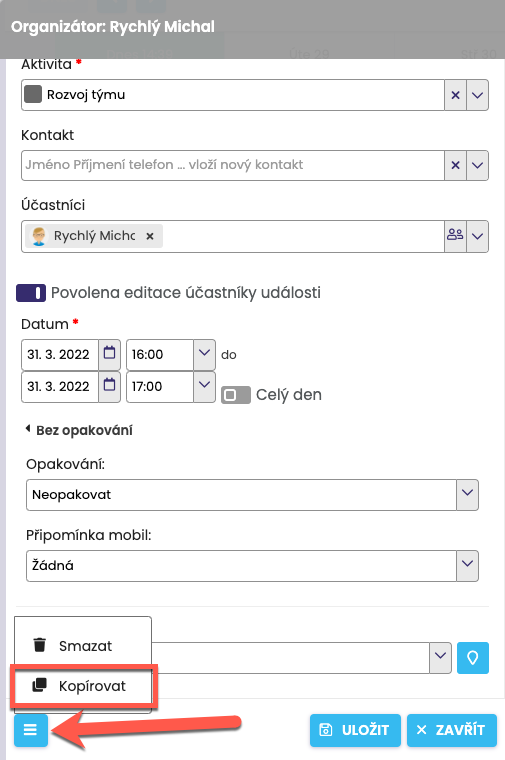
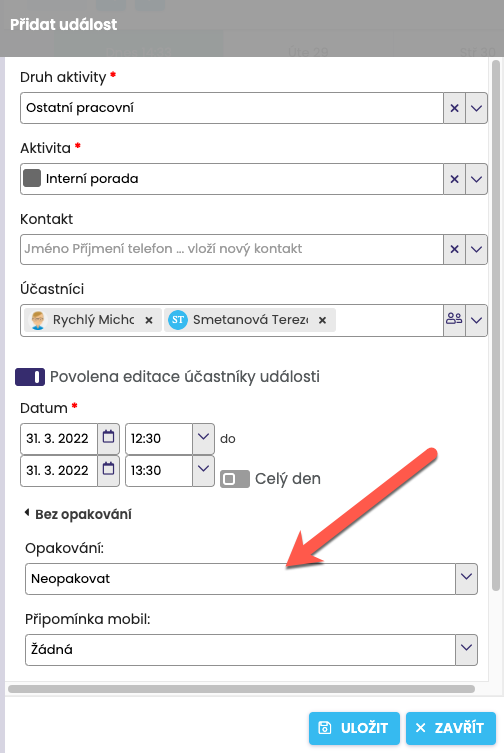
First, define a new event. Select the Type of activity, the Participants who are to take part in this Activity (this can be only you as well), the recurring Activity, for example Meeting, the Date and time, … Once you have defined the activity, click on “No recurrence”, which will expand the option to set the recurrence.
Select the recurrence frequency.
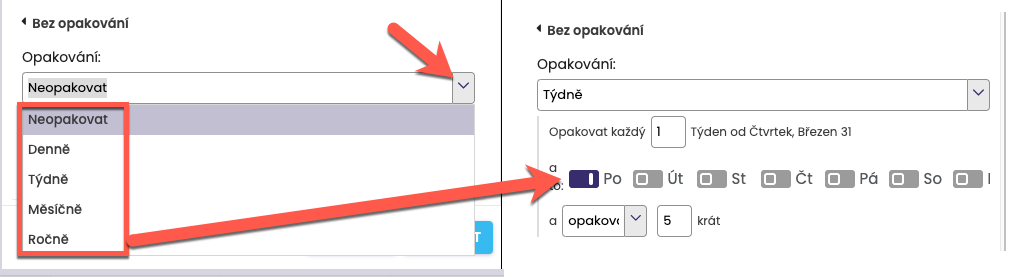
After selecting a recurrence, for example Weekly, you will be asked by the system to specify the frequency in more detail.
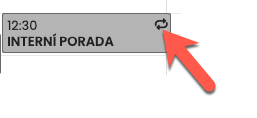
A recurring event is marked in the calendar with a square made of arrows (see the indicator), which at first glance suggests that it is a recurring event.
For quick entry of the same activity, you can use the Copy function. In the Calendar module, open the activity and click the icon in the bottom left > Copy. For the newly created activity, check and, if necessary, change the Contact and time, and fill in the Date.