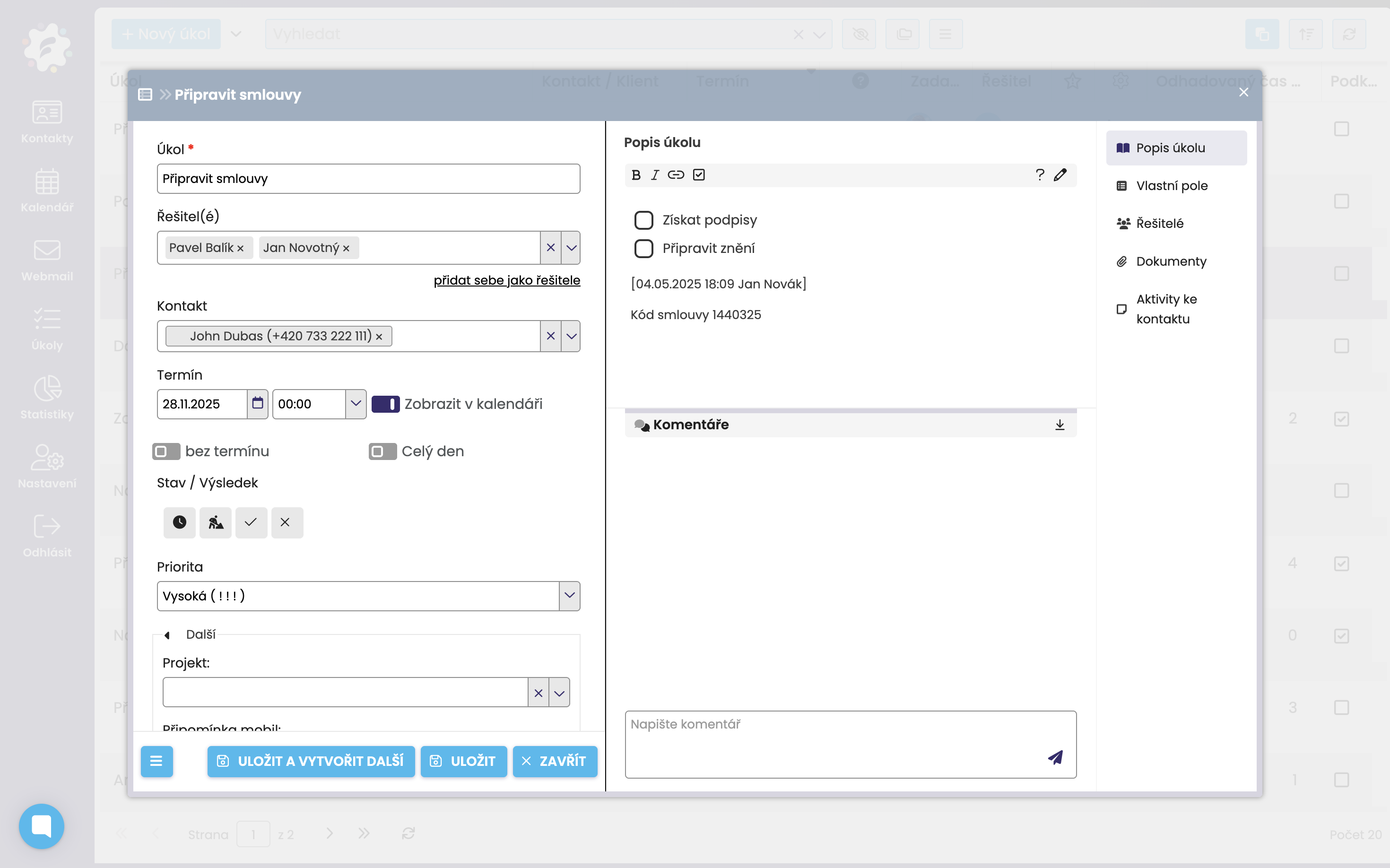
By clicking on the three dots under the “Gear” column, you can quickly edit tasks right in the task list - for example, change the deadline, status, or priority.
Of course, you can also edit tasks directly from the task card, so after clicking on the task name in the task list. Once it’s open, you can start editing right away and just click Save when you’re done.