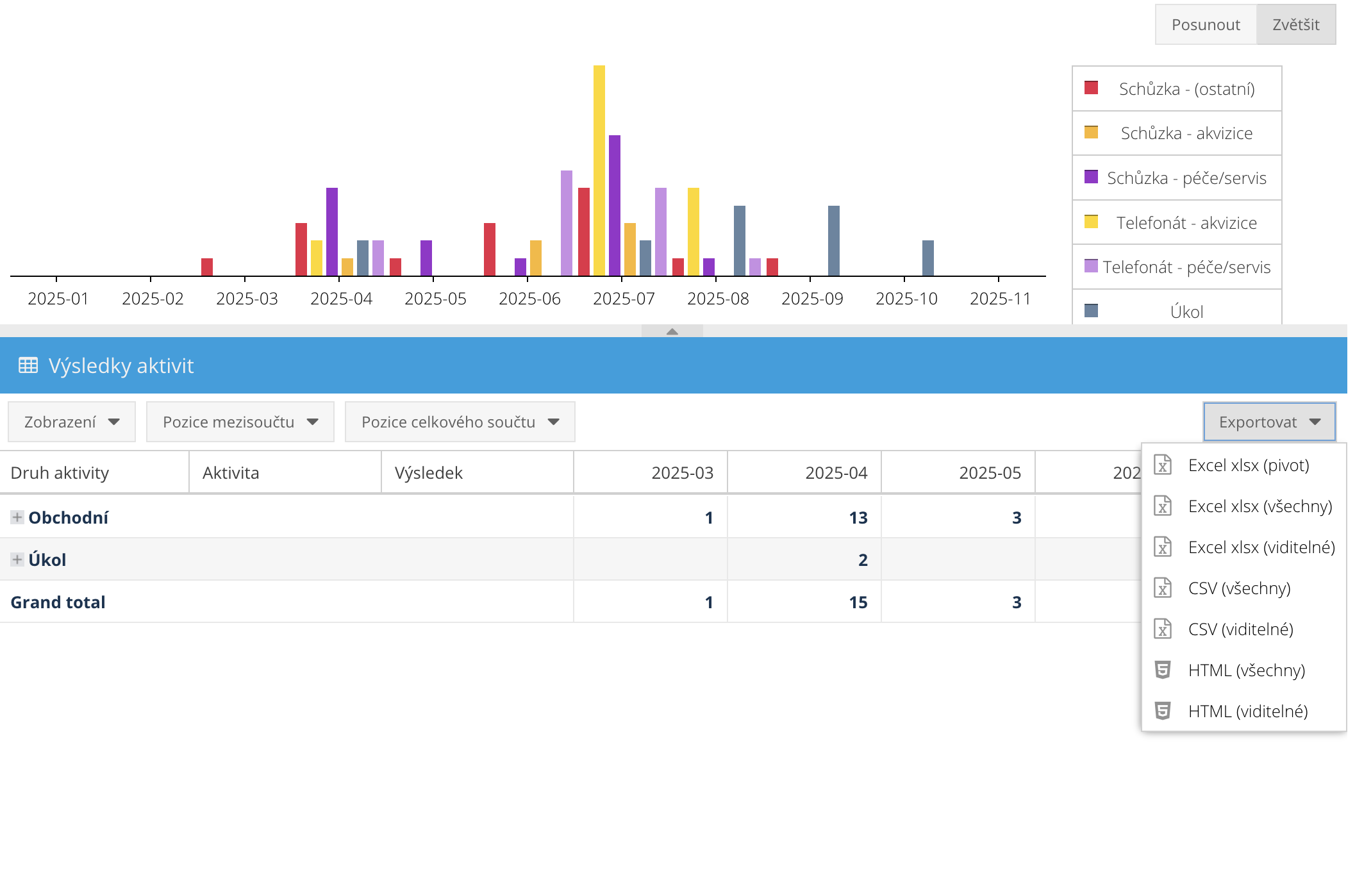
Statistics in FreshFlow are created from the calendar, specifically from logged activities and their outcomes. Because you only add activities from a list of types you’ve defined, and link them to your own set of outcomes, FreshFlow can analyze the data from your calendar.
This comes in handy for things like analyzing how successful your activities are, looking at individual salespeople’s performance, or statistically evaluating the success rate of specific client campaigns (acquisition or campaigns for taking care of loyal clients, etc.).
You can, for example, display the number of specific activity types (like acquisition meetings, calls, or closing meetings...), or analyze the structure of their results (e.g., happened - interested in the offer, not interested anymore, closed...). That way, you can easily see where things are going well and where you might need to make some improvements.
You can then analyze these stats for individual people or for any time period you want.
You can also analyze statistics for specific client campaigns (for example acquisition or client care campaigns...), by using campaign tags, so you can filter stats for each campaign. We cover statistical evaluation of campaigns in a separate article HERE.
You can also export the statistics you filtered with just one click to Excel or CSV format.