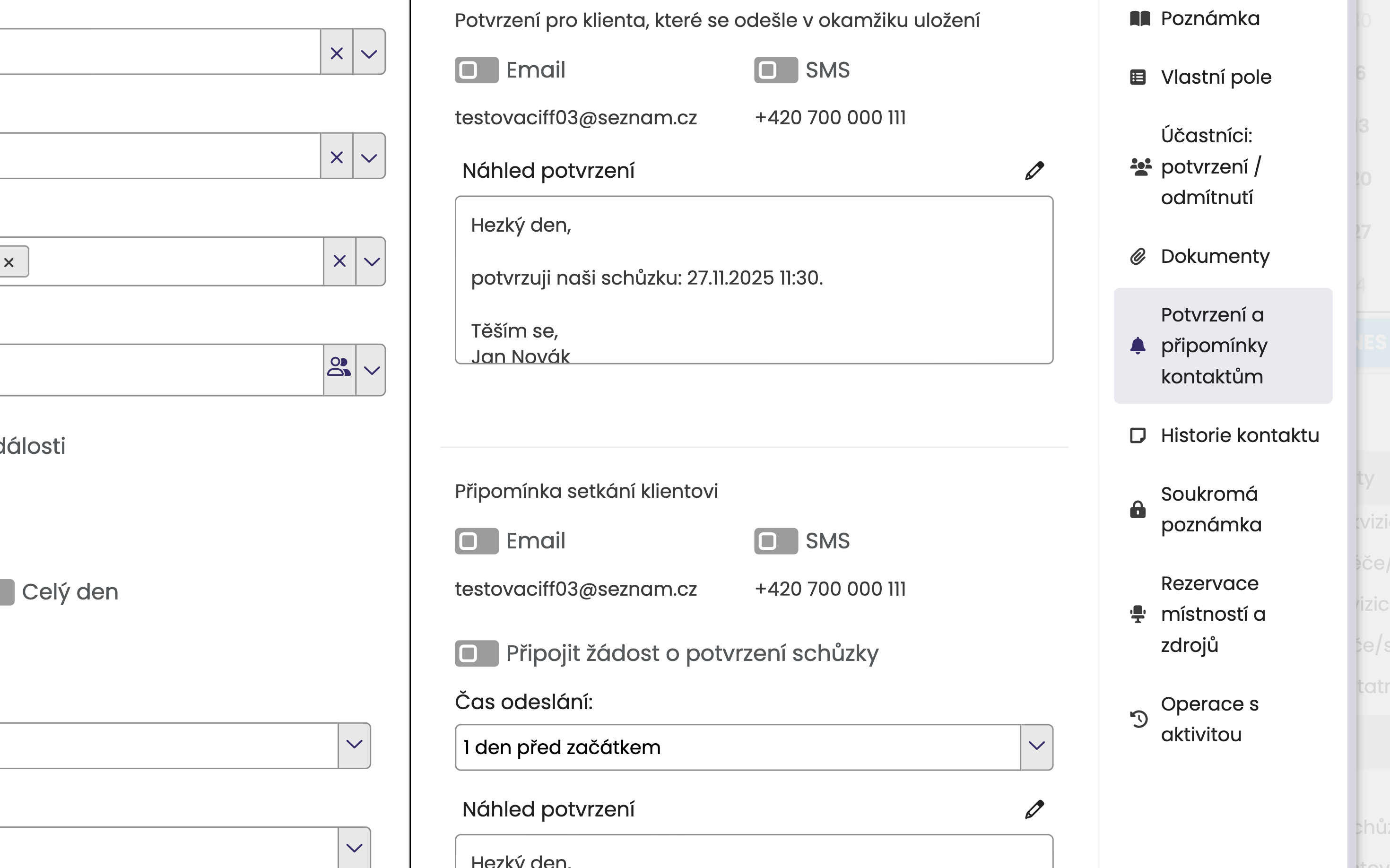
When creating each event in the right menu. You can choose between SMS, email, or both.
You can customize the text by clicking the pencil icon.
You can set your own confirmation and reminder text. Either as a preset (for all events) or one-time for a specific event.
Setting the default confirmation and reminder text is done in the Settings module.
In the Settings module, in the Calendar section, click Confirmation and Reminder Settings. Here you can freely edit the texts. After saving, your own texts will be shown in the preview for each event.

You can also change the confirmation/reminder text just once, so only for a specific activity. Just click the pencil icon next to the text area. After editing, click the eye icon to see your new text.