You can choose between two options. Either manually pick the contacts you want to export from your database by checking them (1), or use the button to select all contacts (2). Once you’ve picked all the contacts you want to export, click Export (3).

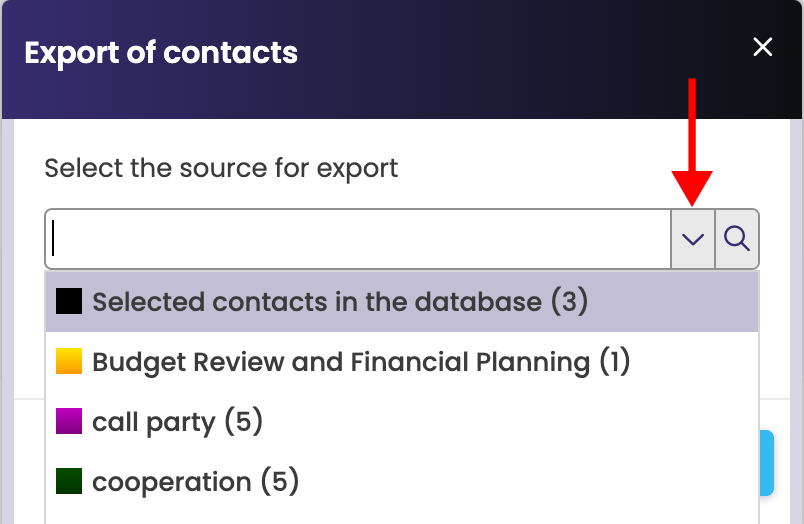
Select the contacts you want to export > click the arrow for options and choose either selected (the ones you checked) contacts in the database or contacts under a specific label.
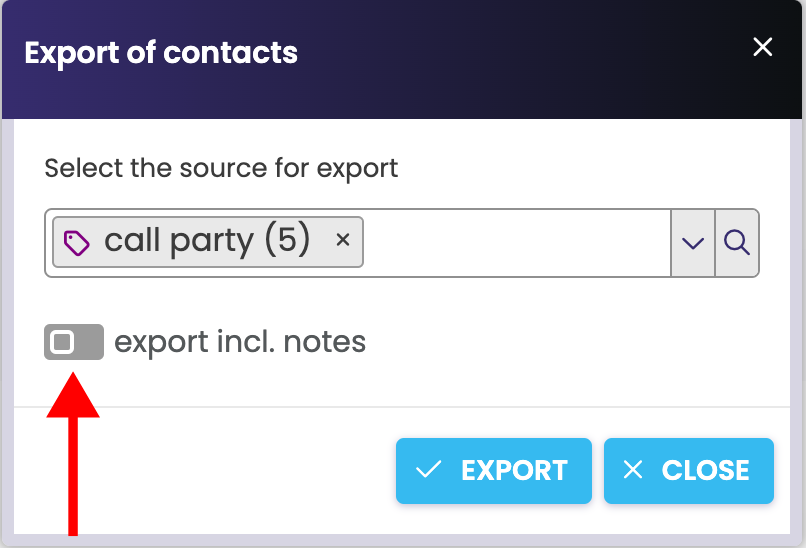
Choose if you want to export contacts including notes and confirm by clicking "Export". An xlsx file called "contacts" will download to your computer.