You can find your custom fields in the event card immediately as the second tab. However, first of all, it is necessary to define the custom fields in the settings, which we demonstrate in the video below.
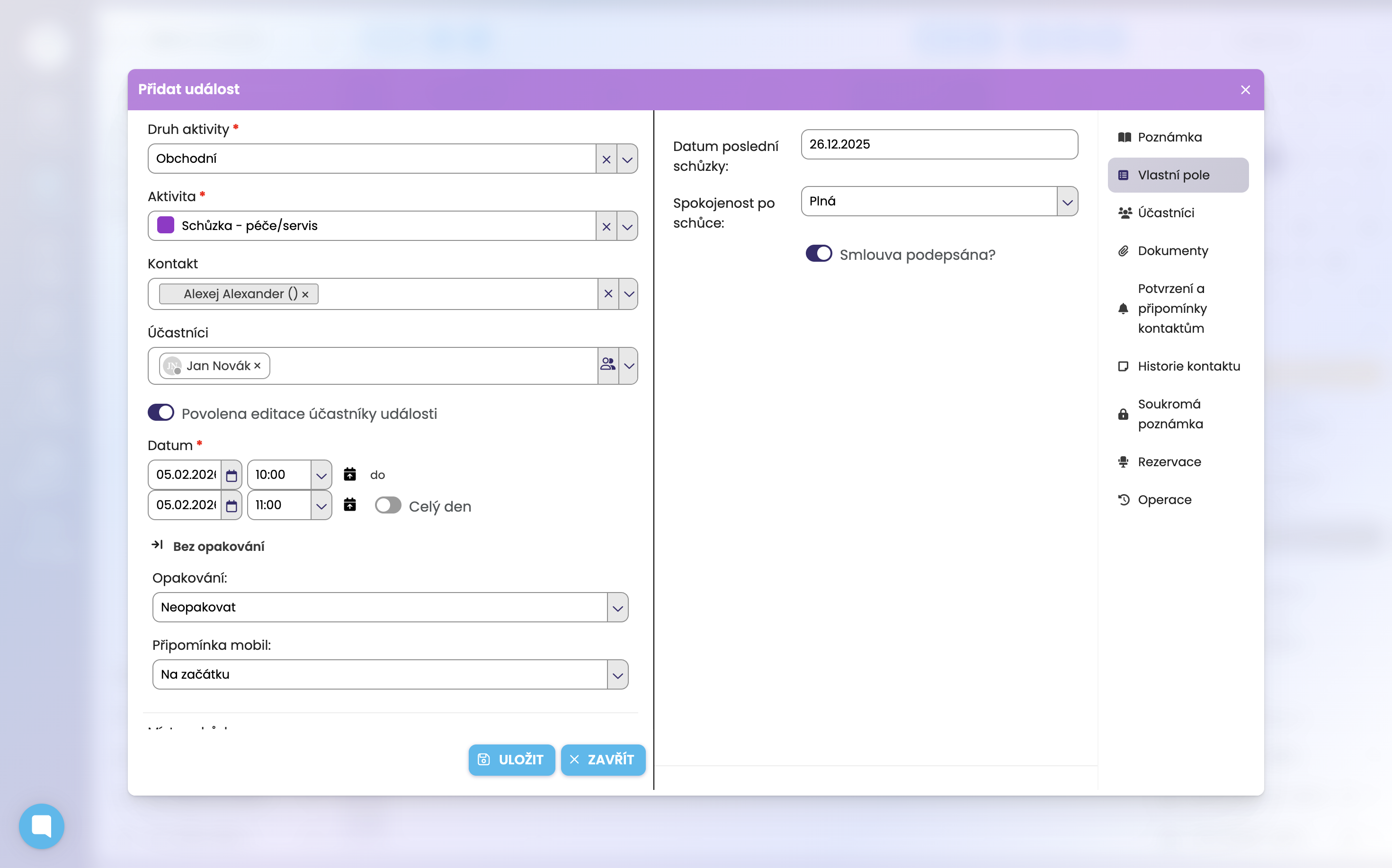
In the Settings module go to the Calendar settings section. In this section, click on Custom fields.
Then click on Add field and select the type of custom field (e.g. value, currency, longer text, toggle, etc.) and start entering the names of the fields or, where applicable, specific values.
We explain this in detail in this video.
(Although this concerns the configuration of custom fields for a contact, the principle is absolutely the same.)
More here: https://help.freshflow.app/en/articles/59-creating-custom-fields
